

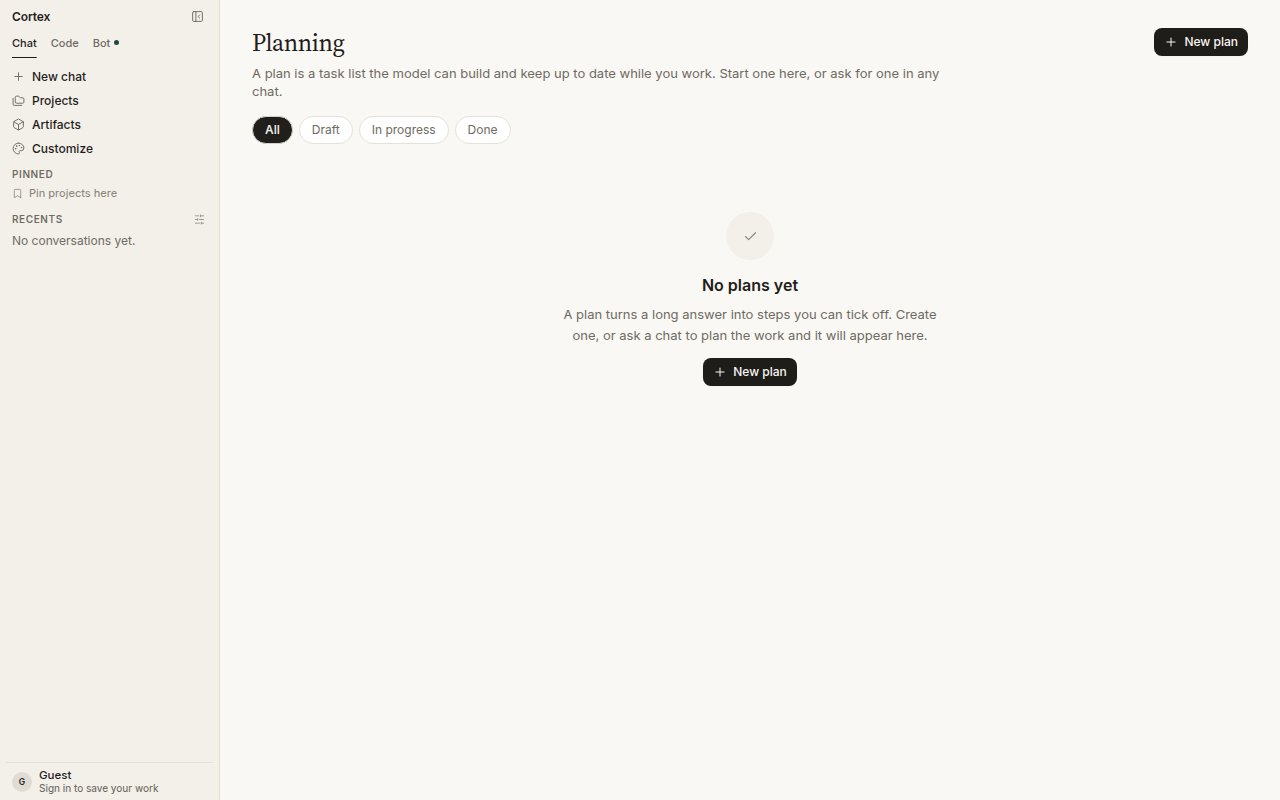
Planning, with the All / Draft / In progress / Done filters.
Start a plan from a chat
Open the thread and choose Start a plan in the header. The title is prefilled from the conversation; add steps if you already know them — one per line, and a pasted numbered list works as is.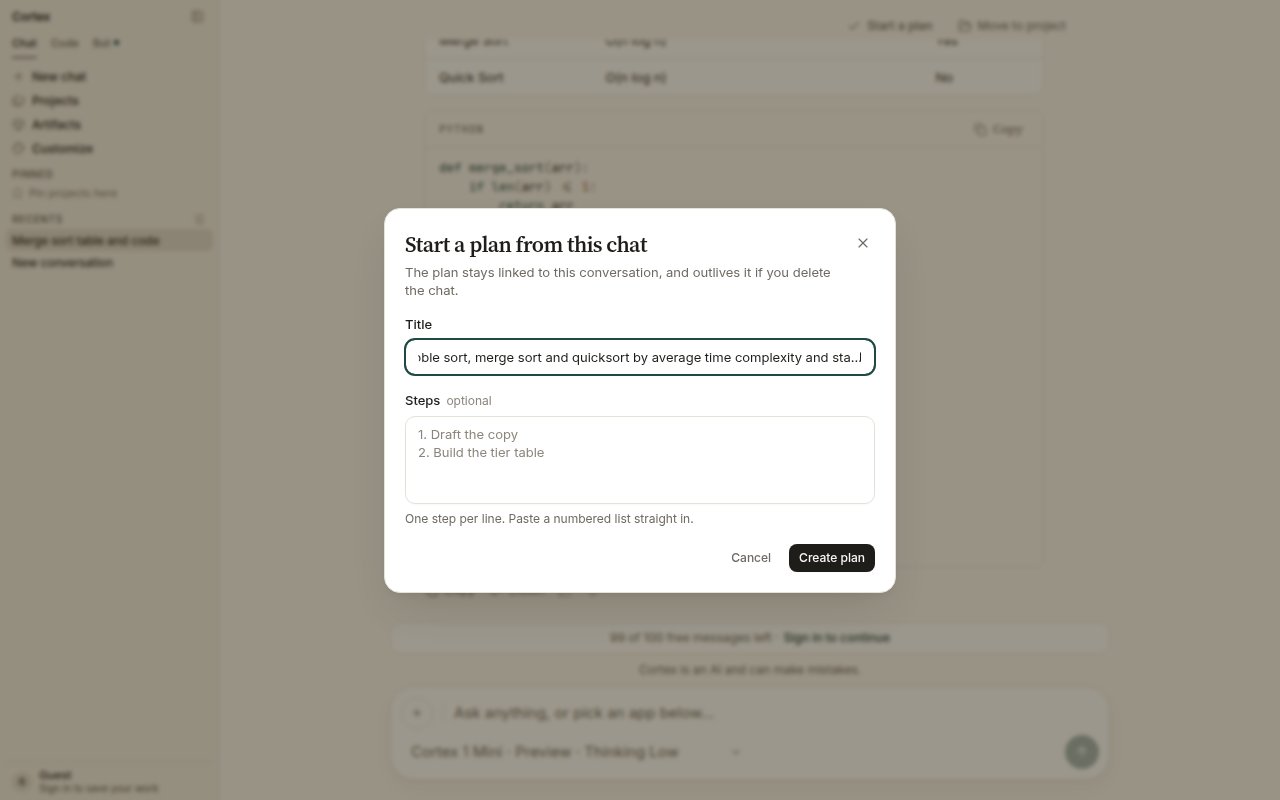
Start a plan from this chat. The plan stays linked to the conversation.
Start a plan from Planning
Choose New plan. Give it a title and, optionally, steps. Bullets and numbers are stripped, so a list can be pasted straight in.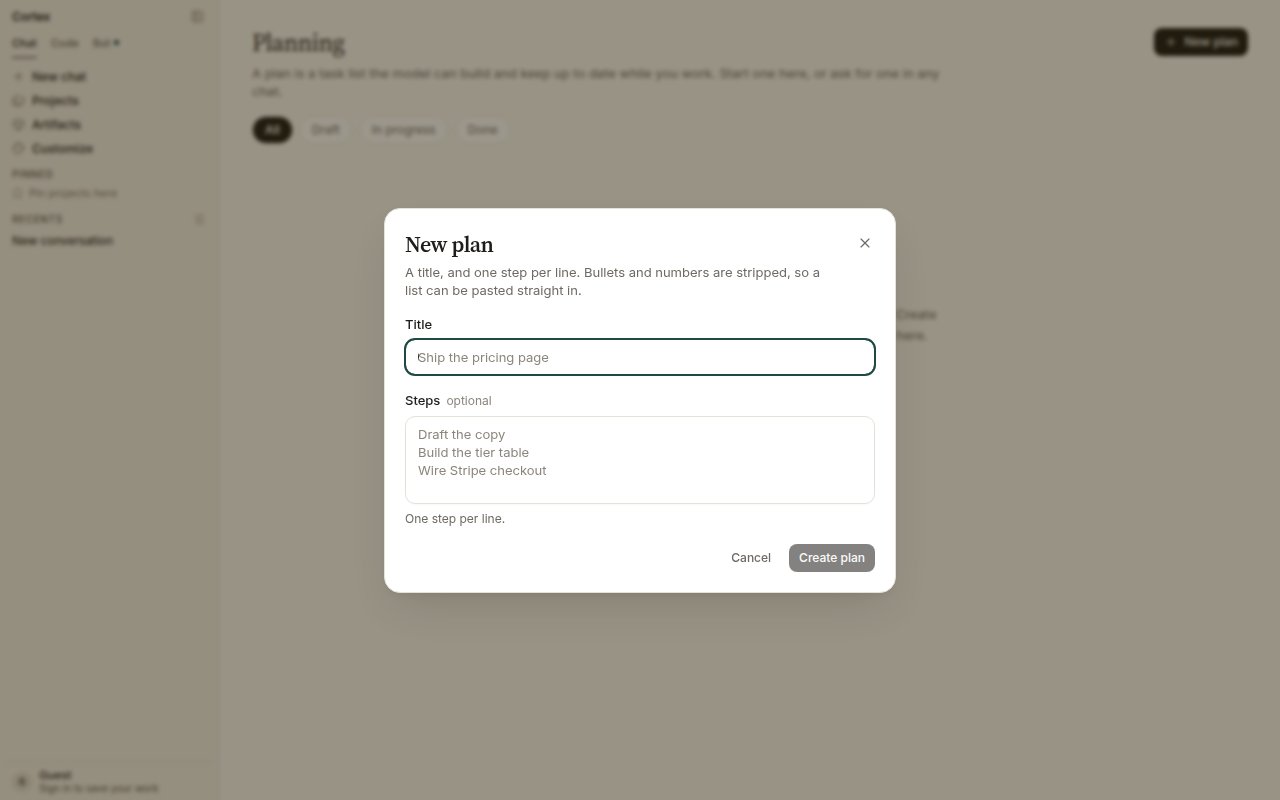
New plan: a title and one step per line.
States
How plans relate to other things
Guests and members
Plans persist on a signed-in account. A guest can open the dialog, but a plan needs somewhere to live once the tab closes — sign in first. See Accounts.Related
- Projects — instructions that apply to every chat in them.
- Canvases — a document beside one conversation.
- Deep Research — the research plan, which is not a task list.
- CLI goals — a long-horizon objective in the terminal.